Gameplay
Rooster Tips And Tricks
Practical Rooster tips for story-linked minigames, including replay options and puzzle-specific actions that prevent setbacks.
- Guides
- 18
- Topics
- 3
- On this page
- 2
Best Use Of Tips
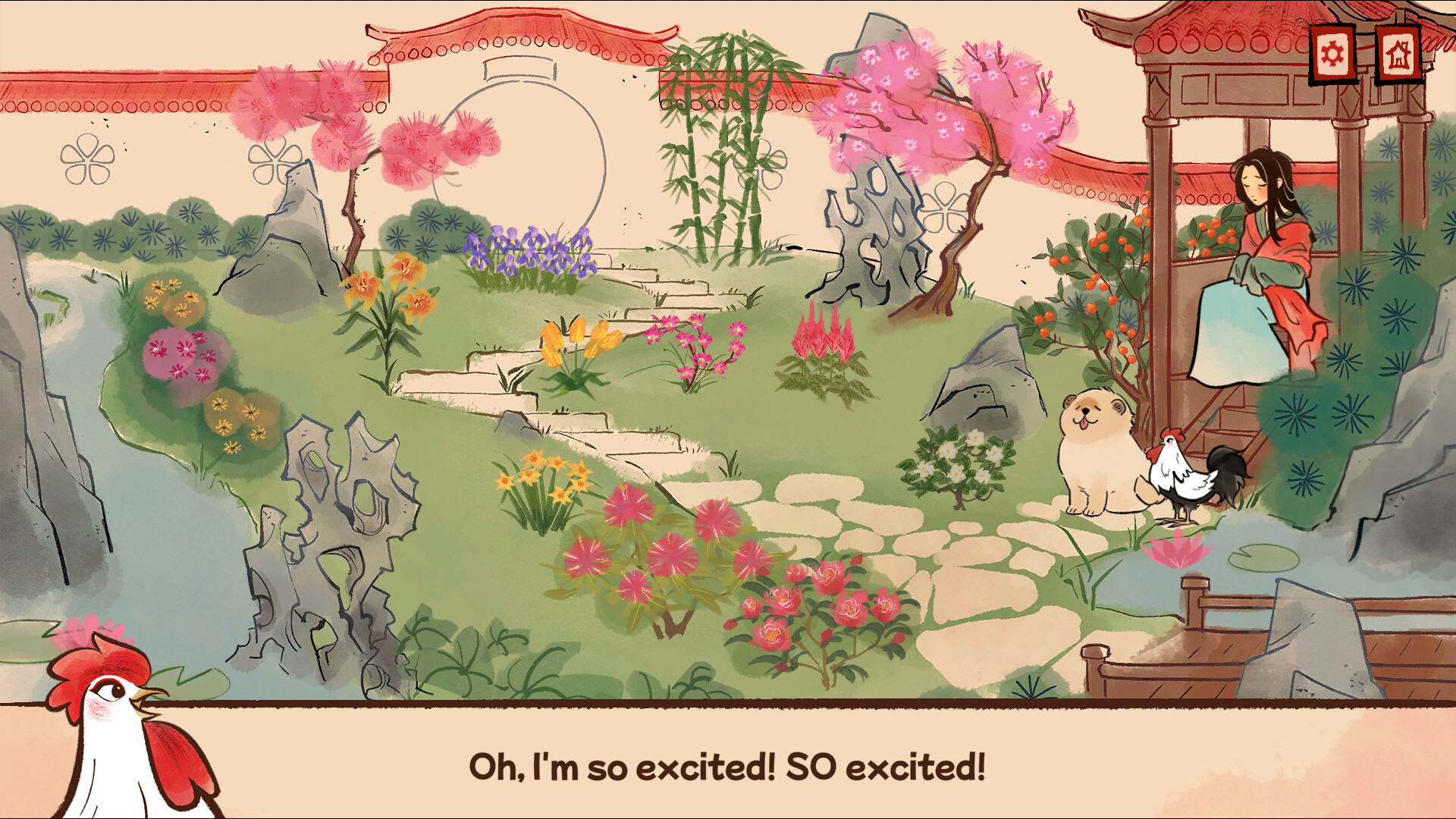
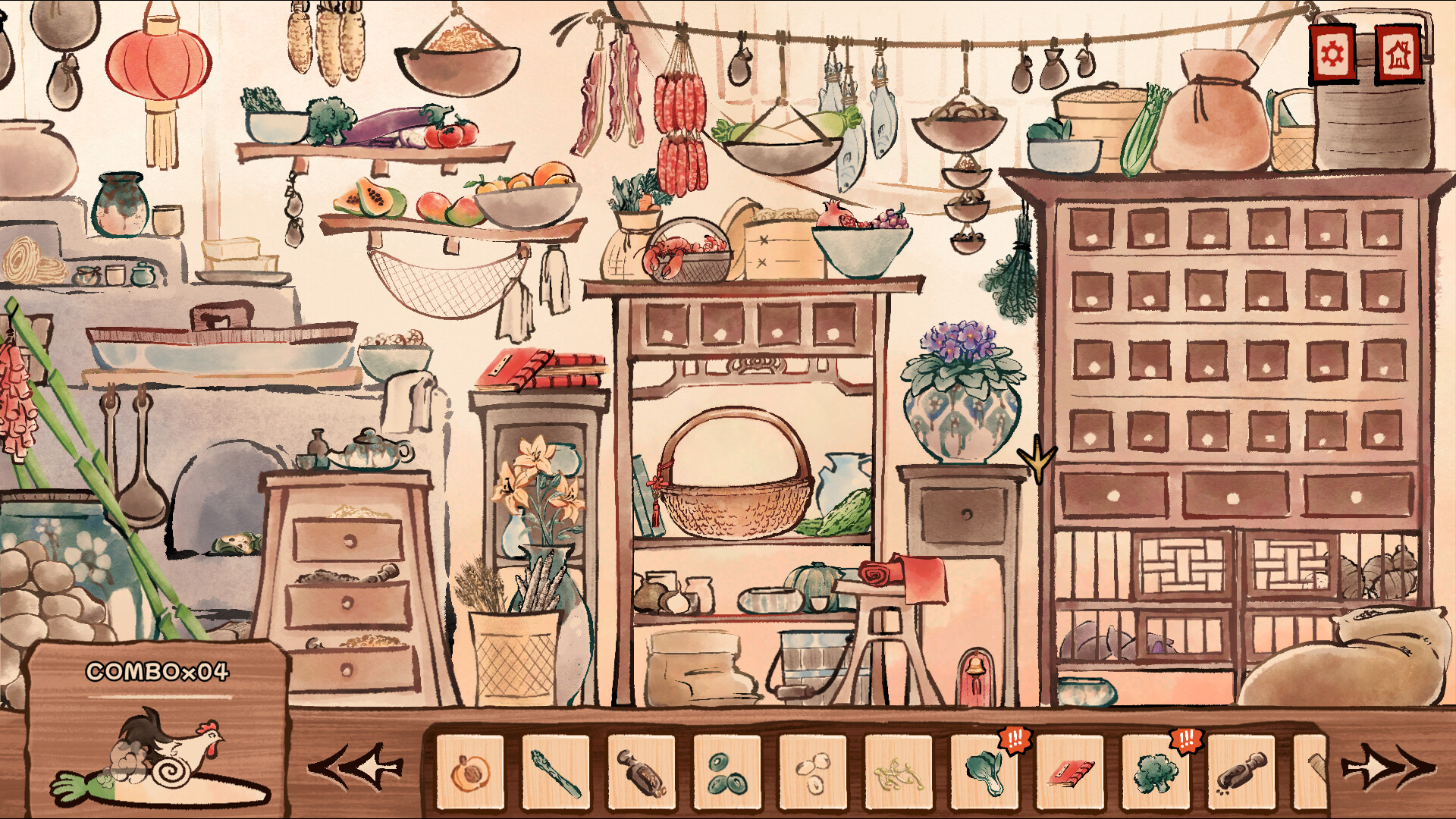
Rooster tips and tricks means practical help for a story-linked set of minigames, including using settings to jump around when stuck or replay a minigame you liked.
During Ox's paper-piece task, glue each piece as soon as you place it, because unglued pieces can be blown to the edge of the screen.
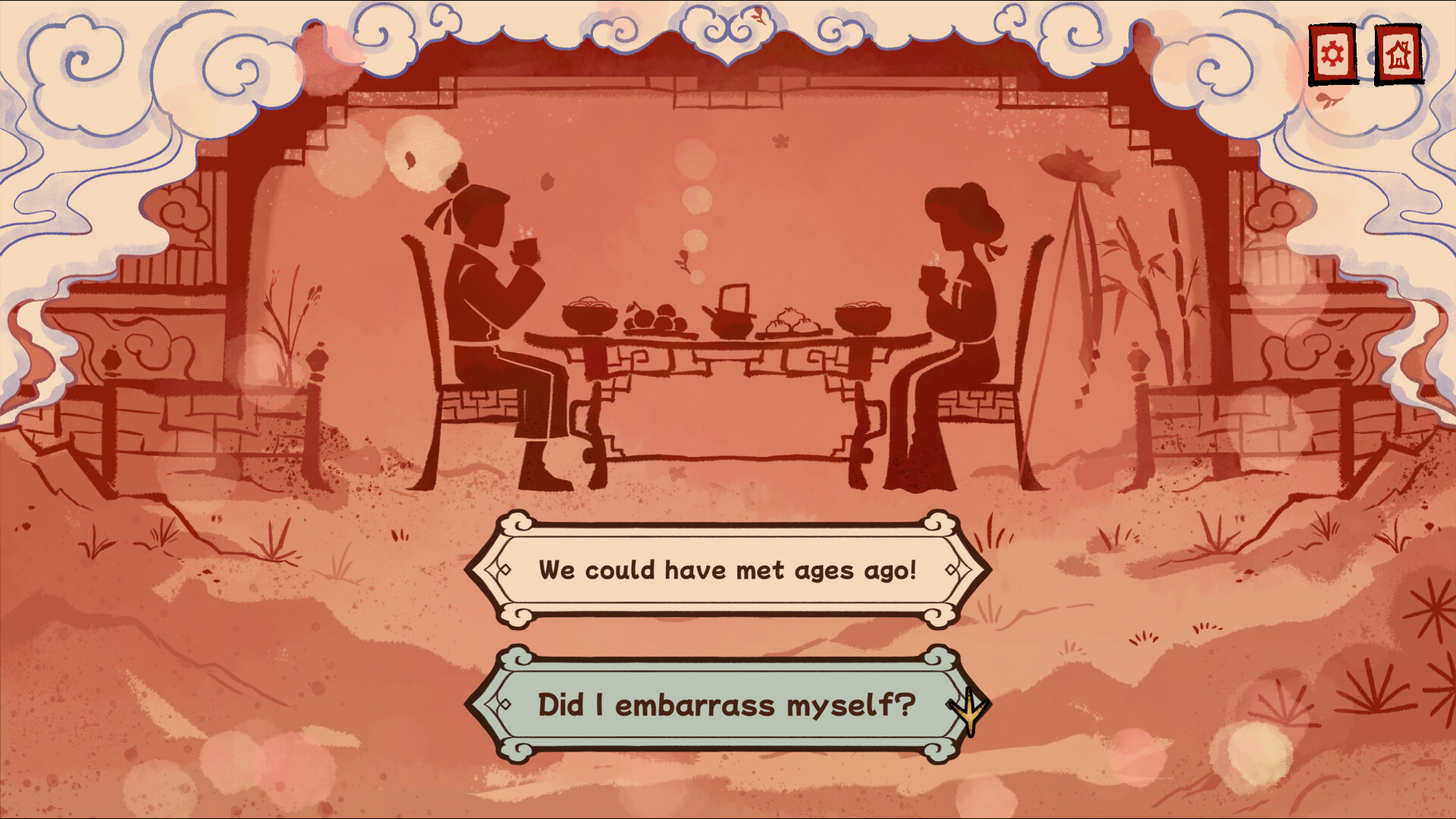
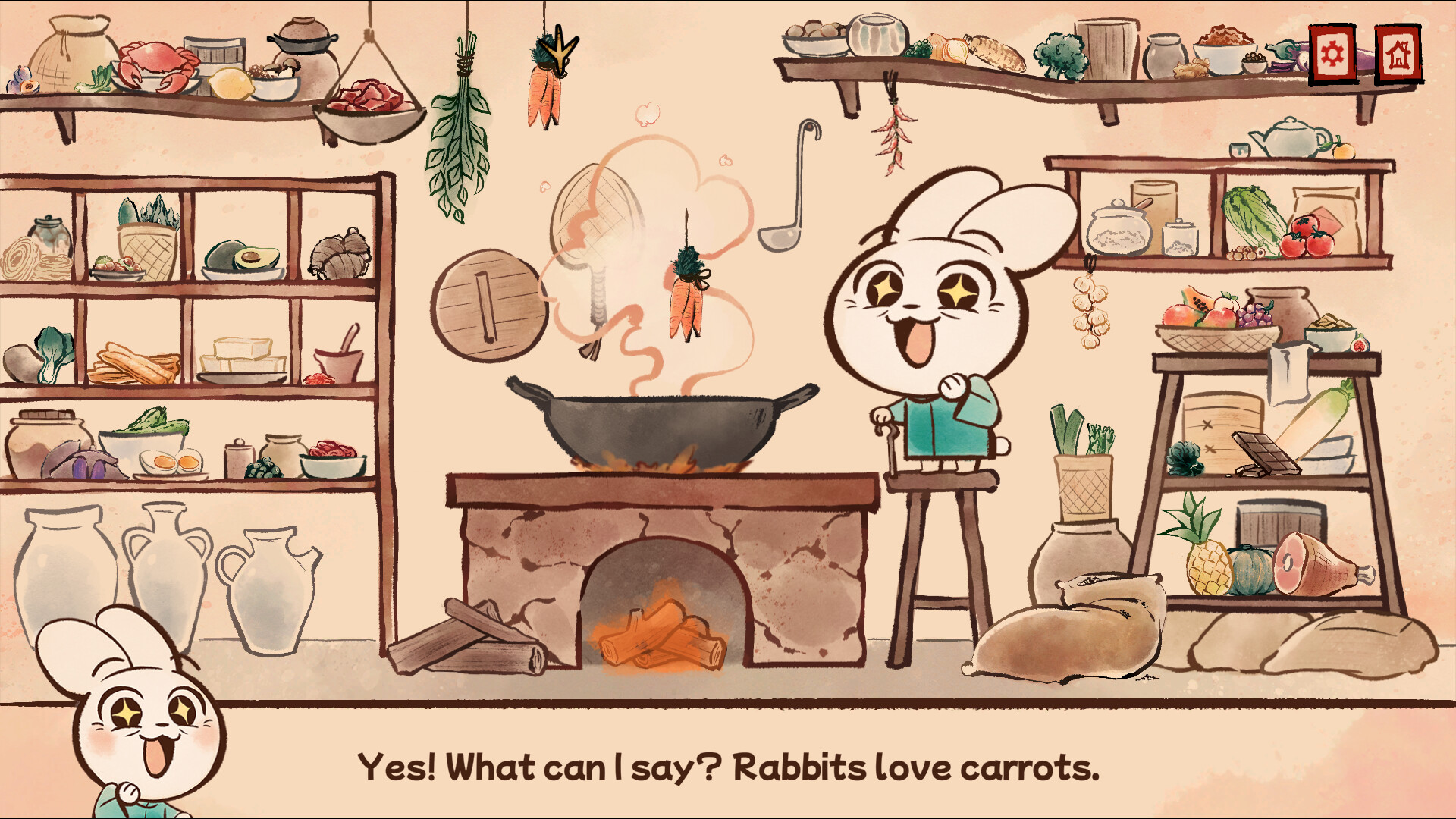
During the Rabbit apology, choose the suitable Cue Cards, decline a wrong card with the cross at the bottom, and use the number on the top left as the tell for the correct thing to say.
Quick Help
- What kind of game are these tips for?
- They fit Rooster's structure as a story-driven experience built around a series of minigames, with settings that can help you jump around or replay parts.
- What should I do in Ox's paper task?
- Glue the paper pieces one at a time right after placing them, because Ox can send unglued paper pieces to the edge of the screen.
- How should I handle the Rabbit apology cards?
- Pick the appropriate Cue Cards, decline the wrong ones with the cross, and look for the number on the top left of the correct card.